
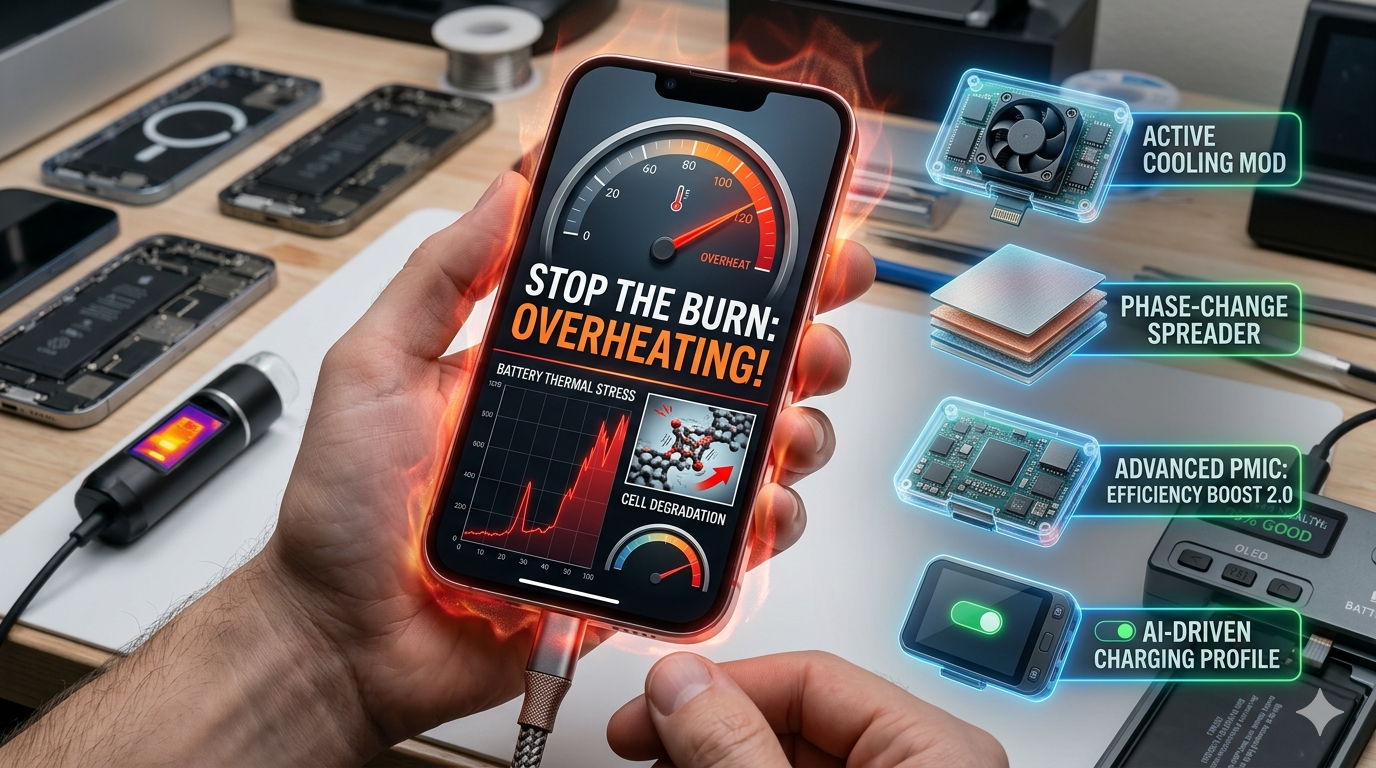
Your phone is a radiator, and you’re the one holding the heater.
Last week, I touched a friend’s phone while it was tethered to a 100W “super-charger” and nearly pulled my hand back in shock. It felt like a hot stone from a spa, not a piece of communication tech. Truth be told, we’ve reached a point where charging speeds are outrunning our phones’ ability to stay cool. If your device feels like it’s about to melt while plugged in, you aren’t alone; I’ve seen data suggesting that charging at high wattages in a warm room can actually cut your battery’s total lifespan by half over just twelve months.
Let’s be real: we want the 0-to-100% in thirty minutes, but we don’t want the thermal damage that comes with it.
The Physics of 2026 Power: Why Speed Equals Heat
Electricity isn’t “free” movement. Think of lithium ions like a crowd of people rushing through a narrow hallway to get into a concert. When you use a 65W or 100W charger, you are forcing those ions to move at breakneck speeds through a liquid electrolyte. This movement creates friction. Friction creates heat.
In 2026, most flagships use a dual-cell battery architecture. Instead of one big battery, they have two smaller ones charging simultaneously. This was supposed to solve the heat problem by splitting the current, but here’s the catch: the charging IC (the chip that manages the power) still sits in one spot. It becomes a concentrated “hot zone” right behind your screen.
Expert Insight: The Efficiency Gap
Energy conversion is never 100% efficient. Even with modern USB-PD 3.1 PPS standards, about 10% of the energy coming from your wall is “lost” as heat inside your phone’s circuitry. If you’re pushing 100W, that’s 10W of pure heat being dumped into your device—roughly the same as a small soldering iron.
The “Silent Killers”: Common Habits That Spike Temperatures
The Case Trap
I’ve seen students use those thick, ruggedized military-grade cases that promise to survive a 20-foot drop. They are great for gravity, but they are essentially winter coats for your electronics. During a fast-charge cycle, your phone needs to radiate heat through its glass or metal back. A thick TPU or leather case acts as insulation, trapping that heat and cooking the battery from the inside out.
Phantom Background Jobs
We often forget that charging is when our phones decide to do their “housekeeping.” I’ve looked at the logs on my own device and found that the moment I plug in, Google Photos starts indexing, and system updates begin downloading. This “double-whammy” of charging heat plus CPU heat is exactly why your phone starts to throttle.
Pros vs. Cons: Fast Charging Habits
| Action | Why It Helps | The Catch |
| Removing the Case | Drops temps by up to 5°C. | Your phone is vulnerable to drops. |
| Charging to 80% | Prevents the “high-voltage” heat spike. | You lose 20% of your daily range. |
| Using Airplane Mode | Kills background radio heat. | You might miss an important call. |
| Bypass Charging | Eliminates battery heat while gaming. | Only works when actively plugged in. |
Software Fixes: Mastering Android 16 & iOS 19 Thermal Toggles
If you think your phone is a passive participant in this heatwave, think again. Both Google and Apple have finally stopped treating battery charging like a “dump and run” operation. In 2026, we have access to tools that actually let us control the thermal narrative.
On the Android side, the “Baklava” update (Android 16) has introduced a formal Bypass Charging toggle in the Battery settings. I’ve been using this on a Realme 16 Pro, and it is a literal game-changer. Instead of the electricity going into the battery—which generates massive heat—it goes straight to the motherboard to run the phone. Your battery stays at a stable 60% (or whatever threshold you set), and the phone stays cool because the “chemical rush” inside the battery has stopped.
Truth be told, iOS 19 is playing a similar game with its new AI-Powered Battery Management. It’s not just a toggle; it’s an observer. The A19 Pro chip actually monitors your thermal history. If it notices you always charge while playing Genshin Impact, it will automatically throttle the charging speed to 5W or 10W to keep the heat from spiking.
Pro-Tip: Use the 80% Hard Cap
Both iOS and Android now allow you to set a “Hard Limit” at 80%. Why? Because the last 20% of a charge requires higher voltage and creates the most heat. By cutting it off early, you avoid the “danger zone” where 90% of battery degradation happens.
Hardware Solutions: Choosing the Right 2026 Gear
The GaN II Advantage
If you are still using the bulky white plastic brick that came with your phone three years ago, you are doing it wrong. Modern GaN II (Gallium Nitride) chargers are about 40% smaller and run significantly cooler than old silicon models. Because they are more efficient, they don’t waste as much energy as heat, which means the power being delivered to your phone is “cleaner” and more stable.
I recently switched to a 100W GaN II multi-port charger for my desk. Even when I’m pushing 65W to my laptop and 30W to my phone, the brick is barely warm. This stability helps prevent your phone’s internal charging chip from having to work overtime to “clean up” a messy power signal.
Smart Cables & E-Markers
Believe it or not, the cable matters as much as the brick. In 2026, you need a cable with an E-Marker chip that supports USB-PD 3.1. These cables “talk” to your phone and charger to ensure the voltage is stepped down in tiny 100mV increments. This precision—often called Adjustable Voltage Supply (AVS)—is the secret to preventing those sudden heat spikes during a fast charge.
Pros vs. Cons: High-Wattage Accessories
| Accessory | The Good | The Bad |
| GaN II Charger | Ultra-efficient; runs cool. | Higher upfront cost than silicon. |
| Smart PD 3.1 Cable | Prevents voltage surges. | Usually thicker and less flexible. |
| Bypass-Ready Hubs | Great for desktop/gaming setups. | Can be bulky for travel. |
| MagSafe Cooling Pucks | Active cooling for wireless charging. | Adds bulk to the back of the phone. |
Proactive Cooling: Extreme Measures for Power Users
Sometimes, software toggles and fancy cables aren’t enough. If you’re a competitive mobile gamer or someone who renders 4K video while plugged in, you’re fighting a losing battle against physics. I’ve seen setups that look more like a science experiment than a phone. In 2026, Active Cooling has moved from a gimmick to a necessity for the “ultra” crowd.
We are seeing a surge in magnetic Peltier coolers. These little pucks snap onto the back of your phone and use electricity to create a cold surface that sucks heat directly away from the battery. Truth be told, I used one during a three-hour livestream last month. My phone’s internal temperature stayed at a chilly 28°C despite pulling a constant 45W from the wall. It’s bulky, but it’s the only way to maintain peak clock speeds without your battery feeling the burn.
The Verdict: Is Fast Charging Actually Ruining Your Battery?
I get asked this constantly: “Am I killing my phone by using the 120W charger that came in the box?” The answer isn’t a simple yes or no. It’s all about the Thermal Cumulative Load. A battery can handle high wattage; it just can’t handle high wattage and high heat simultaneously.
If you charge your phone in a cool, air-conditioned room with the case off, you can likely use fast charging for years with minimal degradation. However, if you charge it under your pillow or on the dashboard of a sunny car, you are essentially fast-tracking a trip to the repair shop.
The Actionable Steps to a Cool Charge:
- Ditch the “Oven”: Take your case off if you’re doing a heavy charge. It takes five seconds and saves months of battery health.
- Enable Bypass Charging: If you’re at your desk or gaming, let the wall outlet run the phone and give the battery a rest.
- The “Slow” Overnight Rule: Use a basic 5W or 10W charger for overnight sessions. You’re sleeping; you don’t need 100W speed at 3 AM.
- Stay in the 20-80 Zone: Use the Android 16/iOS 19 hard-cap feature. Avoiding that final 20% “voltage spike” is the single best thing you can do for longevity.
Final Thought
Heat is the silent tax we pay for the convenience of modern life. We want everything faster, thinner, and more powerful, but the laws of thermodynamics haven’t changed since the 19th century. Treat your phone like a high-performance engine. Give it some air, watch the gauges, and don’t redline it every single time you need a boost. Your wallet—and your battery—will thank you for it in the long run.